Description
🚀 Key Features
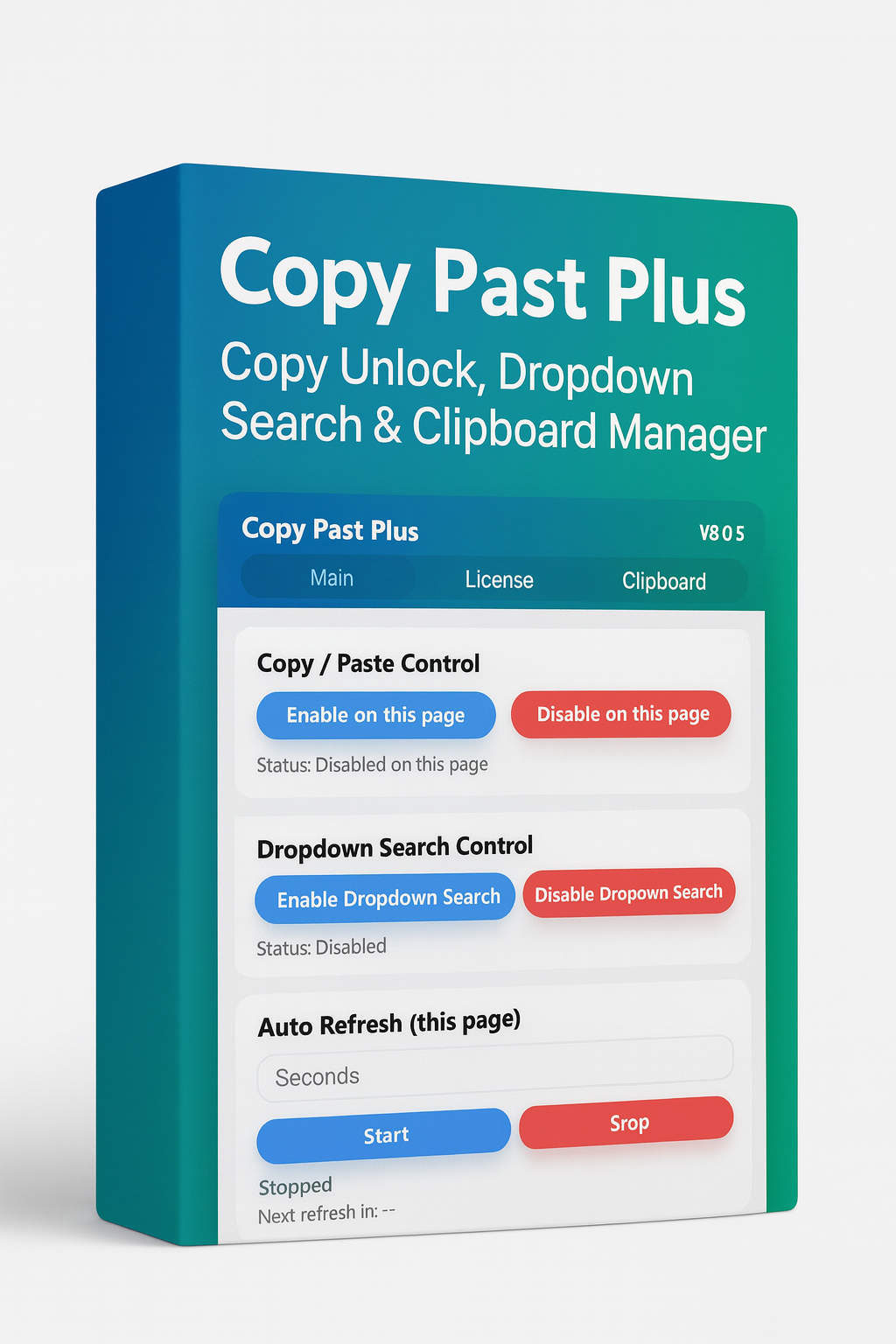
- Copy / Paste Unlock
Enable copy, paste, text selection, and right-click on websites that block these actions.
✔ Unlocks copy/paste
✔ Removes selection restrictions
✔ Works per page — only where you enable it
✔ Easy enable/disable buttons
✔ Status indicator
- Dropdown Search Control
Add a search bar to every dropdown (<select>) on the webpage.
✔ Instantly search long option lists
✔ Helps in forms requiring state, district, village, college selections
✔ One-click enable/disable
✔ Per-page control & status message
- Auto Refresh (this page)
Automatically refresh the current tab at any interval.
✔ Enter refresh time in seconds
✔ Live countdown timer
✔ “Running” and “Stopped” status
✔ One-click Start/Stop
✔ Useful for token booking, dashboards, queue systems, and live data pages
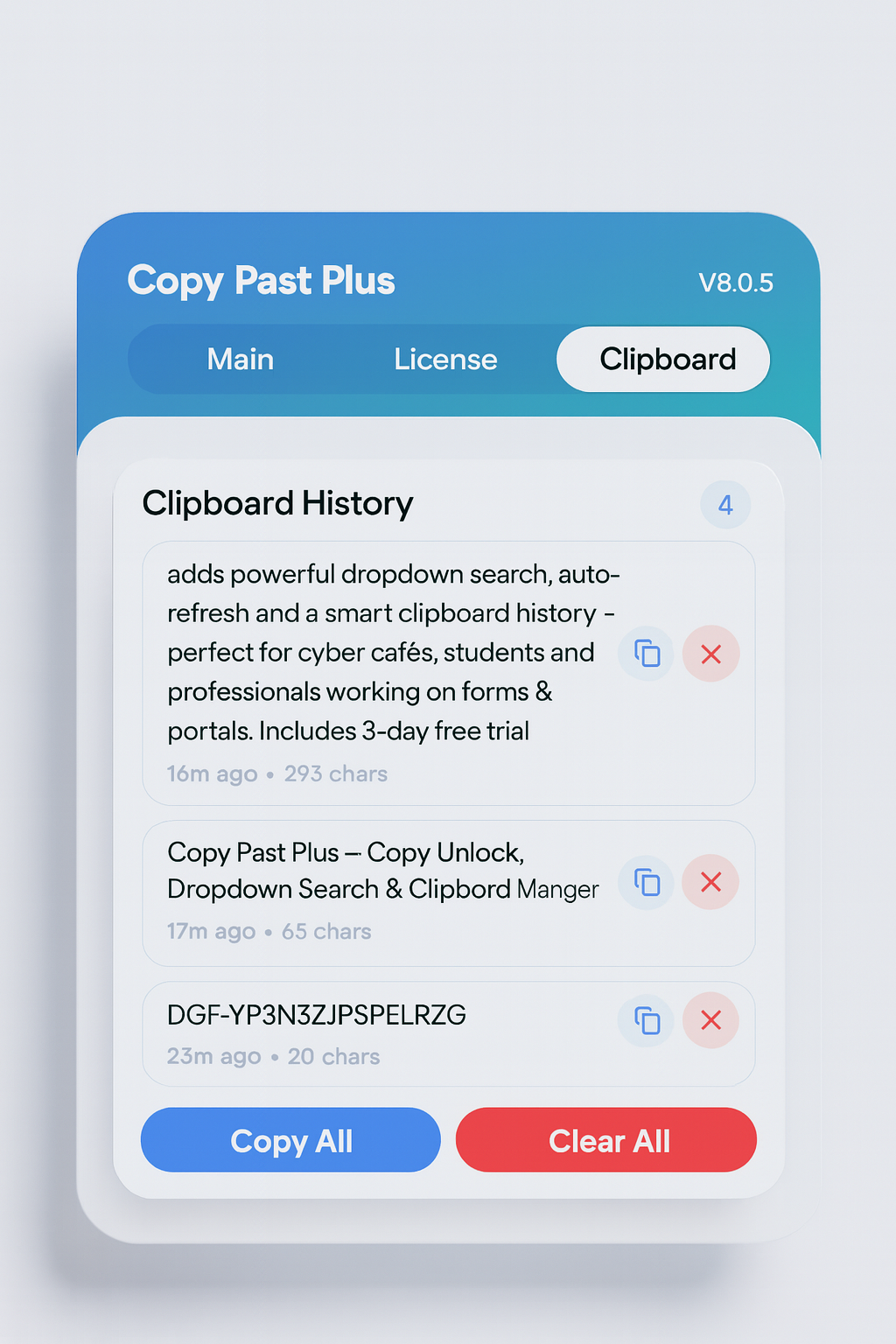
- Advanced Clipboard Manager
Track everything you copy—even if you copy multiple items.
✔ Saves clipboard history
✔ Time indicator (Just now, 2m ago, etc.)
✔ Character count for each entry
✔ Copy individual items
✔ Delete individual items
✔ Copy All button
✔ Clear All button
✔ Beautiful modern layout with icons
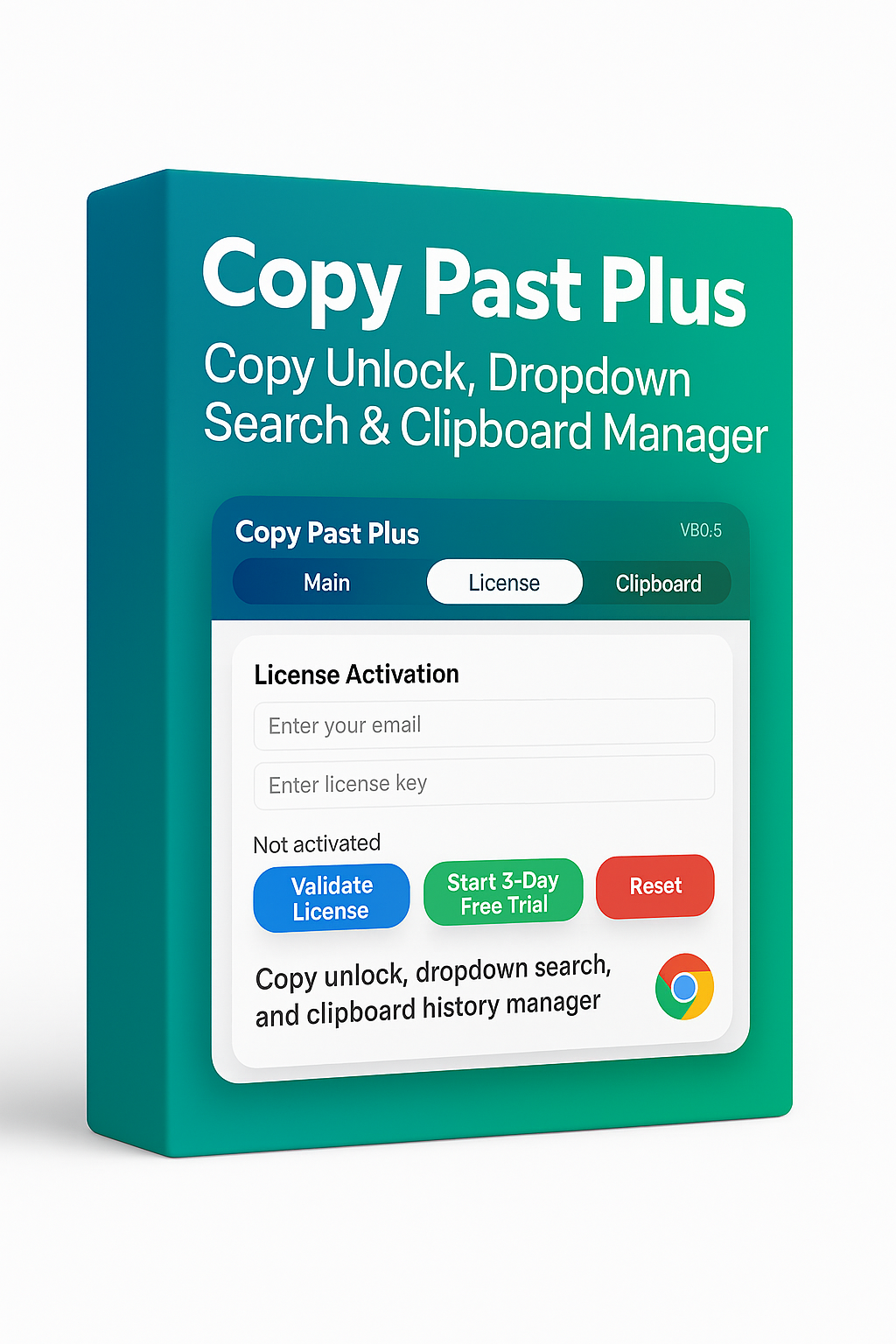
- License & Activation System
A built-in professional licensing panel.
✔ Email + License key validation
✔ Server-based verification (WooCommerce)
✔ Displays remaining days
✔ Shows expiry in DD-MM-YYYY, HH:MM (Asia/Kolkata)
✔ Renew / Manage License button
✔ Automatic lock/unlock of Pro features
✔ Secure local storage system
- 3-Day Free Trial (One time per browser)
Allow your customers to test full Pro features before buying.
✔ One-click: Start 3-Day Free Trial
✔ Activates all Pro features
✔ Countdown of remaining trial days
✔ Cannot be reset by reinstalling the extension
✔ Prevents abuse — one trial per browser profile
✔ Trial and license both show similar status formatting
- Pro Feature Locking
Until license/trial is active:
✔ Blue “Enable” buttons stay locked
✔ Red “Disable” buttons remain active
✔ Tooltip shows: “Please activate license or trial to use this feature.”
This provides a clean “freemium” structure for your customers.
- Modern, Clean & Attractive UI
Designed like a premium software dashboard.
✔ Gradient header
✔ Three tabs: Main, License, Clipboard
✔ Soft rounded cards
✔ Medium-rounded buttons
✔ Smooth shadows
✔ Consistent spacing
✔ Professional visual flow
🎯 Who Should Use This?
Ideal for:
- Cyber café owners
- Form-filling operators
- Students
- AEPS / Banking / Kiosk operators
- Job portal users
- Data entry workers
- Office professionals
- Anyone who copies text frequently
🔐 Security & Stability
Copy Past Plus uses:
- Manifest V3 (latest Chrome standard)
- No external scripts run on pages
- Local storage for trial & license key
- WooCommerce-based secure license verification
- Zero data collection
Your data never leaves your browser.
🧰 Technical Details
- Browser support: Chrome, Edge, Brave, Opera (Chromium)
- Permissions: Storage, Tabs, Scripting, ClipboardWrite, ClipboardRead, Alarms
- Extension type: Chrome Extension (MV3)
- Instant installation, no setup required
💬 Support & Updates
Free updates included for all v8.x versions.
For support, contact: support@digiforum.in
🎁 Package Includes
- Copy Past Plus Chrome Extension
- 3-Day Free Trial
- License activation panel
- User support
- Future updates


Reviews
There are no reviews yet.